Quick answer: Wondering how self-checkout kiosks significantly cut front-desk labor costs? Well, they automate transactions. That lets customers pay for things themselves, which means you don’t need as many staff at traditional checkout lanes. Businesses can then move those employees to more valuable tasks, freeing up cash for other important areas.
Key Takeaways
- Self-checkout kiosks automate transactional tasks, directly reducing the need for traditional checkout staff.
- Mobile POS systems empower staff to process transactions anywhere, enhancing flexibility and reducing fixed front-desk roles.
- Labor cost savings enable businesses to reallocate employees to customer service, inventory, or specialized sales roles.
- Faster transaction times and reduced queues improve customer satisfaction and operational throughput.
- Data analytics from these systems provide insights for better labor scheduling and inventory management.
- Implementing these technologies requires careful planning to ensure smooth integration and staff training by 2026.
Businesses are always looking for ways to run smoother and cut costs. Front-desk staff? That’s usually a big chunk of the budget. But putting automated systems in place is changing all that, fast.
So, understanding how self-checkout kiosks, teamed up with modern mobile POS systems, can slash front-desk labor costs is a must for shops and hotels these days. They’re not just fancy machines; they’re changing how customers buy things and how businesses handle those sales.
How Self-Checkout Kiosks Drive Efficiency and Reduce Costs
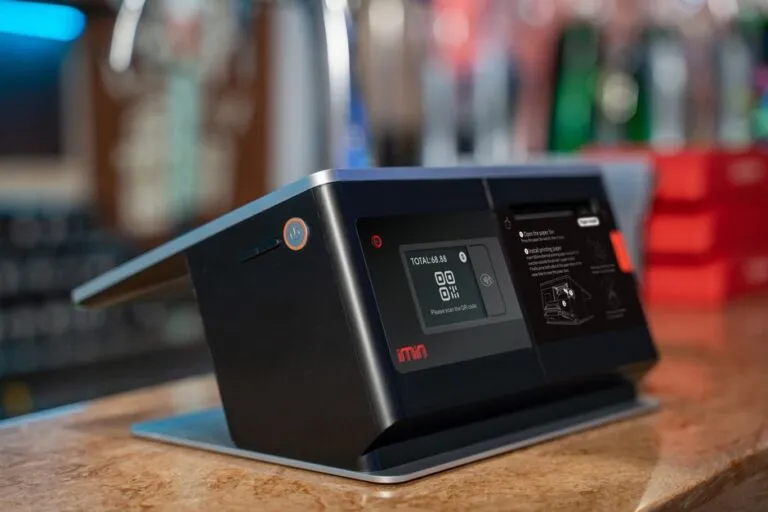
Self-checkout kiosks are those stations where customers scan, bag, and pay for their stuff all by themselves, no cashier needed. The big reason they save money? They automate the whole checkout process. That frees up your employees who’d normally be stuck behind a register.
Let customers handle checkout, and suddenly you don’t need nearly as many cashiers, especially during busy times. Fewer staff means big savings on wages, benefits, and all those other labor costs.
Making Checkout Quicker for Customers
Putting in self-checkout kiosks really speeds up the whole customer experience. Most customers like how fast they are, and being able to do it themselves, especially for just a few items. Quick transactions mean shorter lines. That makes customers happier, and they’ll come back.
And operationally? Shorter lines mean you’re using your store space better, and your other staff aren’t scrambling as much. So, your employees can then actually help people find things, manage inventory, or offer specialized service — stuff that really matters.
Reallocating Staff, Boosting Skills
Look, the point of putting in self-checkout and mobile POS isn’t just to cut jobs. It’s to use your people smarter. That means staff who used to just scan items can move into roles that need more face-to-face interaction and real skill.
They might become “floating” customer service folks, inventory specialists, or even trained sales associates. When you boost staff skills and give them more meaningful tasks, your service gets better, and your employees feel more engaged.
How Self-Checkout Kiosks Integrate with Mobile POS for Maximum Impact
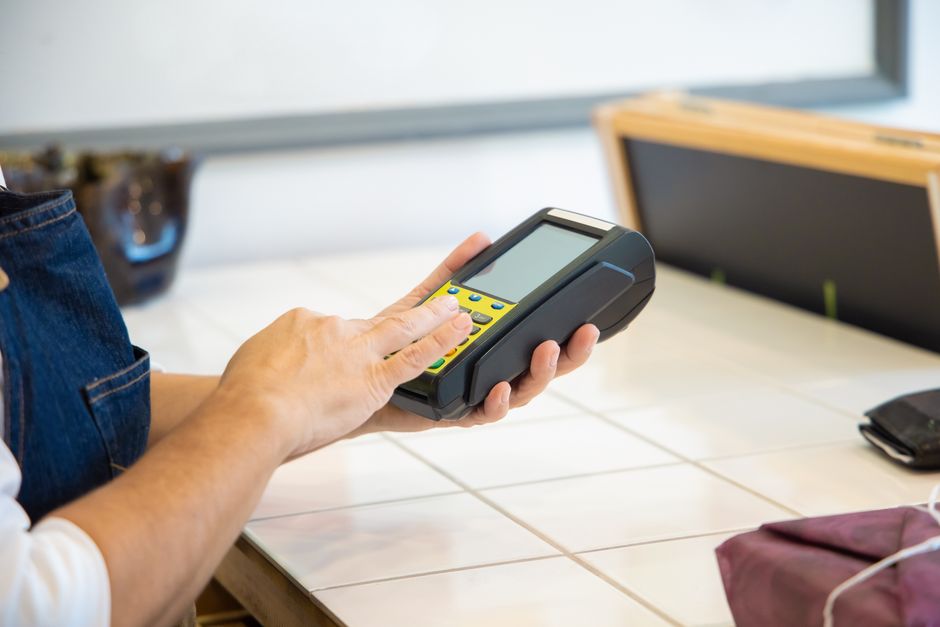
Self-checkout kiosks are great for fixed spots, but mobile POS systems add a ton of flexibility, helping cut labor costs even more. With mobile POS, your staff can process sales, take payments, and manage orders from anywhere in the store or property.
This combo creates an incredibly efficient front-end setup. Staff can help customers right on the sales floor, answer their questions, and complete a sale without ever sending them to a fixed checkout counter. And that means you don’t always need a dedicated front-desk person.
Better Customer Service, Anywhere
Mobile POS frees your staff from being stuck behind a counter. They can give personalized recommendations, look up product info, check stock, and finish a sale right there in the aisle. That changes the customer experience; it’s more engaging, less just about buying something.
For your business, that means fewer employees tied to fixed spots. One person with a mobile POS can handle several customers across different parts of the store. Putting staff where they’re needed like this really makes the most of labor hours and cuts down on the costs of staffing old-school registers.
Smart Inventory, Better Operations
New mobile POS systems often talk directly to inventory management software. So, staff can check stock in real-time, start orders, and track products right from their handheld devices. Managing inventory on the go cuts down on needing dedicated back-office staff or running back and forth to a terminal.
Pairing self-checkout for quick, easy buys with mobile POS for trickier or floor-based sales really makes your operations hum. Experts predict that by 2027, businesses fully using both approaches could see their front-desk labor costs drop by 15-20% compared to old methods.
Getting Smart Automation Right by 2026
Successfully putting self-checkout and mobile POS systems in place isn’t just about bolting on hardware. You need a smart plan for how you roll it out, how you train your staff, and how you keep making it better. And businesses really need to think about the customer and make sure everything goes smoothly.
For example, clear instructions and quick help at self-checkout kiosks are non-negotiable. Same goes for training staff on mobile POS; they need to know it inside and out to use it well.

Scheduling Staff Smarter with Data
Self-checkout and mobile POS systems both churn out loads of useful data: transaction numbers, busy times, what customers like. That data is key to scheduling your staff better. You can use these insights to put your staff where they’re most needed and avoid overstaffing when it’s quiet.
Predictive analytics, using all this system data, can guess demand much more accurately by 2028. So managers can adjust staffing ahead of time, saving even more on labor and keeping customer service top-notch.
Handling Challenges and Boosting Security
Sure, the benefits are obvious, but these systems aren’t without their challenges. Retail theft, sometimes blamed on self-checkout, is definitely a worry. But businesses are fighting back with smart AI surveillance, weight sensors that catch odd things, and dedicated staff who float around, keeping an eye on several kiosks at once.
And security for mobile POS payments? Super important. Using end-to-end encryption, tokenization, and secure payment gateways makes sure customer data stays safe. Regular software updates and strong network security aren’t optional if you want these systems to work well and stay secure.

AI and Biometrics: What’s Next for Kiosks and POS (2026 Onwards)
Self-checkout and mobile POS are evolving super fast, especially with AI and biometrics getting involved. By 2026, expect even smarter features that make things run smoother and cut down even more on needing staff.
AI-powered cameras can spot unscanned items or problems at self-checkout, sending alerts to staff instantly. That proactivity helps prevent losses and makes things more accurate. And biometric payments – like fingerprints or face scans – make transactions quicker and safer, so staff don’t have to get involved in every payment.
Making Customer Interactions Personal
AI can also make the self-checkout experience personal, suggesting related products or offering loyalty perks based on what someone’s bought before. That doesn’t just make customers happier; it also boosts sales without needing more staff. Plus, mobile POS devices, souped up with AI, can give staff smart recommendations or customer profiles for super personalized service right there.
All these future developments point to more automation and efficiency for front-desk work. Businesses investing in these changing technologies will be well set to stay competitive and keep cutting labor costs well into 2029 and beyond.

Frequently Asked Questions
What is the primary benefit of self-checkout kiosks for labor costs?
It’s mostly about needing fewer cashiers to handle transactions. Customers do it themselves, so you save big on wages and benefits.
Can mobile POS systems completely replace traditional front-desk staff?
Mobile POS definitely cuts down on needing fixed front-desk staff. But usually, it means moving employees to roles that boost customer service out on the sales floor, not getting rid of human interaction entirely.
What are the initial investment considerations for these systems?
You’ll need to budget for hardware – kiosks, mobile devices – plus software licenses, installation, and solid staff training. That’s how you make sure everything runs smoothly and gets used effectively.
How do these systems impact customer experience?
Generally, they make customers happier by offering faster checkouts, shorter lines, and the ease of doing it themselves. And staff can offer more personalized help too.
What security measures are in place for mobile POS transactions?
Mobile POS systems use things like end-to-end encryption, tokenization, and secure payment gateways. These keep sensitive customer data safe and make sure all transactions are secure.