Quick answer: To successfully set up a POS system, you’ve got to start by figuring out exactly what your business needs. Then pick the right hardware and software, and carefully set up your inventory, payment processing, and staff accounts. Don’t skip thorough testing and good employee training — they’re absolutely essential for a smooth launch and for making sure your business runs as well as it possibly can.
Key Takeaways
- Defining specific business requirements is the foundational step before selecting any POS components.
- Choosing the right POS hardware and software impacts functionality, scalability, and long-term costs.
- Accurate inventory setup and product configuration are essential for efficient sales and reporting.
- Integrated payment processing streamlines transactions and enhances customer experience.
- Comprehensive staff training is vital for maximizing system utilization and minimizing operational errors.
- Rigorous testing of the entire POS workflow prevents issues upon going live.
Why is it Essential to Set Up a POS System in 2026?
Look, in 2026, putting in a good Point of Sale (POS) system isn’t just a nice-to-have anymore. It’s truly a must-have for any modern business. A POS system pulls together your sales, inventory, and customer data all in one place, giving you incredible insights. It makes daily operations smoother, improves how customers experience your business, and helps you make decisions based on real numbers. And that’s pretty vital in today’s cutthroat market.
It’s not just for ringing up sales either. Today’s POS systems come with all sorts of advanced features: real-time inventory tracking, deep sales reports, and built-in customer management (CRM) tools. These things help businesses run better, cut costs, and spot chances to grow. So, getting this technology set up right is the big secret to getting everything you can out of it.
What Are the Key Steps to Set Up a POS System Effectively?
So, to really set up a POS system well, you’ve got to take a structured approach. That means covering every part of how your business runs. Every single step here is important, making sure the system fits your specific needs and works perfectly right away. This kind of organized process cuts down on headaches and gets you the best possible return on your investment in new tech.
Define Your Business Needs
Before you even look at hardware or software, nail down exactly what your business needs from a POS system. Think about your industry – are you retail, a restaurant, or a service business? What’s your average transaction volume? How many locations do you have? Do you need specific features like table management, appointment booking, or loyalty programs? Writing all this down will help you pick wisely, stopping you from buying features you don’t need or missing out on ones you desperately do.
And don’t forget to look ahead. Will the system need to handle more terminals, new products, or even more stores by 2027? A good list of requirements means the system you pick can grow right alongside your business.
Choose the Right POS Hardware and Software
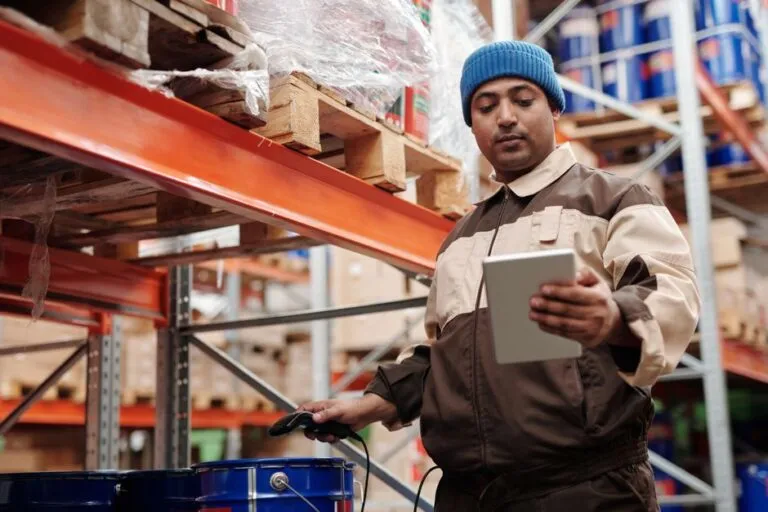
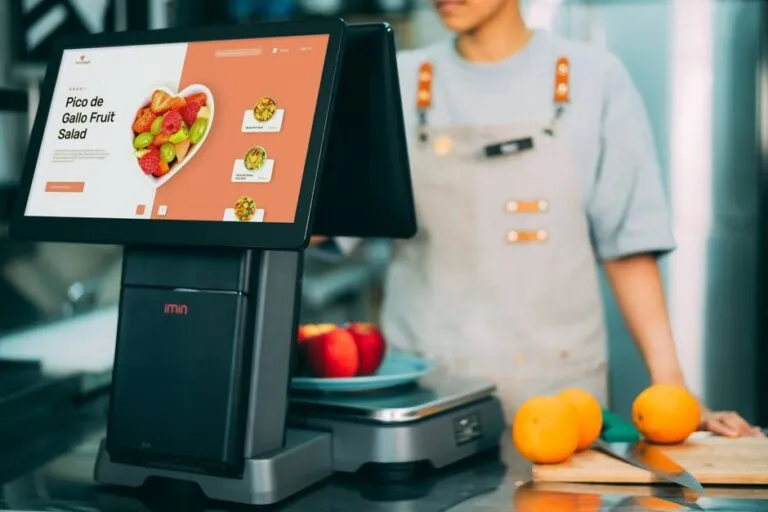
Picking the right POS hardware and software is a huge step. For hardware, you might need touch-screen monitors, barcode scanners, receipt printers, cash drawers, and payment terminals. Software? That’s all over the map, from cloud-based subscriptions to systems you install right on your computers. Each has different features and price tags.
So, compare different vendors. Look at what they offer, their customer support, how they charge, and what people say about them. Make sure your chosen hardware and software actually work together. Often, an all-in-one solution just makes integration simpler and cuts down on compatibility headaches. That means you can set up a POS system a lot more smoothly.
Configure Your Inventory and Products
Getting your inventory set up correctly takes time, no doubt. But it’s absolutely vital. You’ll need to enter all your products: names, descriptions, prices, SKUs (Stock Keeping Units), and how much you have on hand right now. Grouping products by category really helps with reports and keeping things tidy.
If you’re running a restaurant, you’ll be setting up menus, modifiers (like “extra cheese”), and managing recipes. Retailers, on the other hand, will focus on things like sizes and colors. Making sure every product is entered right and priced correctly is key for accurate sales data. It also stops those annoying stock discrepancies.
Set Up Payment Processing
Connecting to a dependable payment processor is non-negotiable for any POS system. You’ll need to set up accounts with payment gateways that handle credit cards, debit cards, mobile payments, and maybe even other payment types. Just make sure your chosen POS system plays nice with your preferred payment processor.
Then, go into the POS software and set up all the different payment types and any fees that go with them. Run some tests: try refunds, partial payments, everything. You need to be sure it all works perfectly. Fast, secure payment processing isn’t just good; it’s everything for happy customers.
Train Your Staff
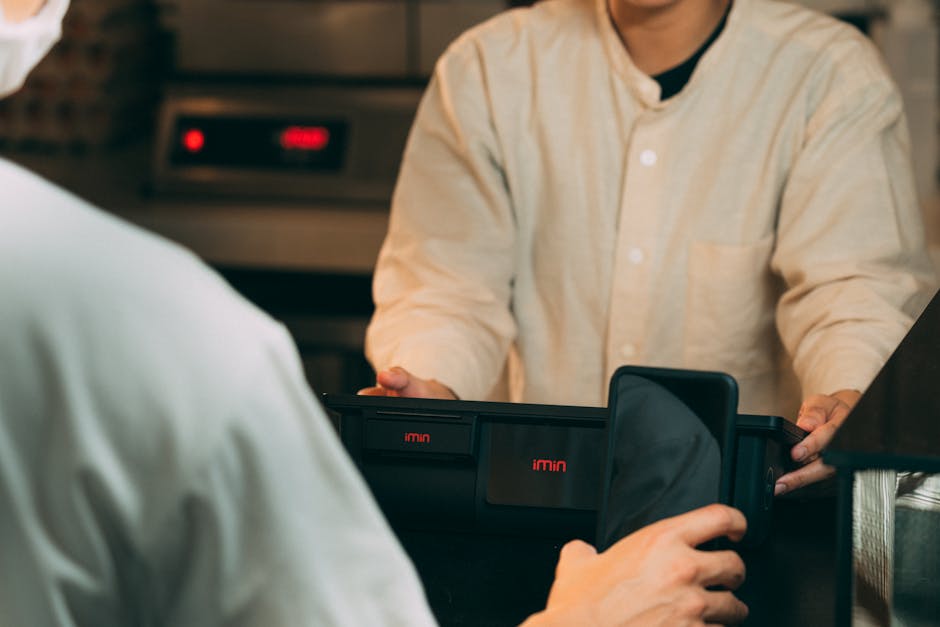
You know, good staff training often gets pushed aside, but it’s absolutely vital if you want your POS to actually work well. Your employees are the main ones using this system, so how good they are at it directly affects how efficient you are and how well you serve customers. So, run thorough training sessions. Cover everything: from basic sales to looking up inventory and processing refunds.
Give them reference guides and ongoing support. And push them to ask questions, to get hands-on practice. That builds confidence. When your staff is well-trained, they can handle sales smoothly, fix small issues themselves, and really use every feature the system offers.
Test Your System Thoroughly
Before you open for business, test the heck out of your entire POS system. Seriously. Pretend you’re running real-world scenarios: sales, returns, discounts, gift card redemptions, and all sorts of payment methods. Check every piece of hardware to make sure it talks right to the software.
Make sure inventory numbers change correctly after sales and returns. Double-check your reports; confirm the data looks good. Rigorous testing catches and fixes problems before they hit your live operations. That’s how you guarantee a smooth launch when you set up a POS system.
Go Live and Monitor Performance
Okay, testing’s done. Now it’s time to launch your new POS system. Have some support staff ready during those first few days. They can jump in to fix any immediate problems or answer employee questions. Keep a close eye on how the system performs, your sales data, and inventory levels.
Get feedback from both staff and customers. That’ll help you spot places to improve or where more training might be needed. Watching things constantly and making tweaks makes sure your POS system stays a really useful tool for your business. Oh, and regular software updates? They’re super important for security and getting those new features.

How to Troubleshoot Common Issues When You Set Up a POS System?
Even if you plan everything perfectly, problems can still pop up when you’re getting a new POS system going. Knowing how to quickly figure out and fix common issues keeps things running and cuts down on headaches. Being able to troubleshoot before things go wrong is a major skill for any business owner or manager.
Connectivity Problems
Internet connection is absolutely essential for most new POS systems, especially the cloud-based ones. Is your system running slow or just not responding? First, check your network connection, your Wi-Fi signal, or those Ethernet cables. Just restarting your router and modem often clears up temporary network weirdness. And make sure your internet provider isn’t having an outage.
For things like printers or scanners, confirm they’re plugged in and turned on. If problems stick around, check their driver installations. Really, a steady network is key for your POS to work right.
Payment Processing Failures
Payment problems? Those are a pain for everyone, staff and customers alike. First, make sure the payment terminal is plugged in and turned on. Double-check your internet connection; most processors need to be online to authorize payments. And confirm the customer’s card is good and has enough money.
Still having trouble? Call your payment processor’s support team. They can give you exact error codes and tell you how to fix them. Sometimes, just re-syncing the terminal with the POS software can clear up communication glitches.
Software Glitches
Software can freeze, crash, or just show you the wrong data sometimes. When that happens, try restarting the POS app or even the whole device. Make sure your POS software is on the newest version; updates often bring bug fixes and make things run better. And if there’s a cache, clear it.
If you keep having the same problems, write down exactly what happened, step-by-step, so you can show it to your POS software provider’s support team. They can usually give you a fix or a workaround. That’ll help you efficiently set up a POS system without long-term headaches.
User Training Gaps
A lot of what looks like ‘system errors’ are actually just user errors – usually because of not enough training. If your staff keeps making mistakes or can’t finish certain tasks, that’s a clear sign of a training gap. Go over your training materials again, run some refresher courses, or make quick cheat sheets for common tasks.
Watch your staff as they use the system. See where they get stuck. Giving them clear, simple instructions and letting them practice hands-on can really boost how good they are and cut down on mistakes. Keep teaching them; it’s how you get the most out of your POS.

What Are the Benefits of a Properly Configured POS System?
A POS system, set up right, brings a ton of good stuff. It hits your business’s bottom line and how well you run things directly. These perks go way beyond just ringing up sales; they actually change how your business operates and grows.
First off, it makes transactions way faster and more accurate. Automated calculations, barcode scanning, and built-in payment processing mean fewer human errors and quicker checkouts. That translates to shorter lines and happier customers.
Second, managing your inventory becomes a breeze. Tracking things in real-time stops you from running out of popular stuff or having too much of other things. This helps your cash flow and cuts down on waste. You get exact control over your product levels, so those popular items are always there.
Third, powerful reports and analytics give you real insights into sales trends, your busiest hours, and what products are selling. This data is gold for making smart decisions about buying, staffing, and marketing. You’ll understand your customers a lot better.
Fourth, a POS system’s customer relationship management (CRM) features let you collect customer info, run loyalty programs, and send out personalized marketing. Building those strong customer relationships keeps people coming back and makes them more loyal to your brand.
And finally, a POS system that’s been put in well makes things way more secure. It means less cash handling and gives you detailed records of every single transaction. So, less theft, clear accountability. Plus, modern systems meet the latest payment security rules, protecting both you and your customers.
Future Trends in POS Systems
POS systems are changing fast, always moving, thanks to new tech and what customers expect. If you’re looking to set up a POS system now, you should really think about what’s coming next. That way, your system stays relevant and adaptable for years.
One big trend? More and more AI and machine learning for predicting things. By 2028, these features will let POS systems forecast sales, get your inventory orders just right, and give customers super accurate, personalized recommendations. This moves POS from just reacting to things to being a real strategic partner, thinking ahead.
Another major development is how widely we’ll see advanced biometric payment options, like facial recognition and fingerprint scanning. These methods offer better security and unbeatable convenience. They could even replace traditional card swipes in just a few years. So, checkout becomes even quicker.
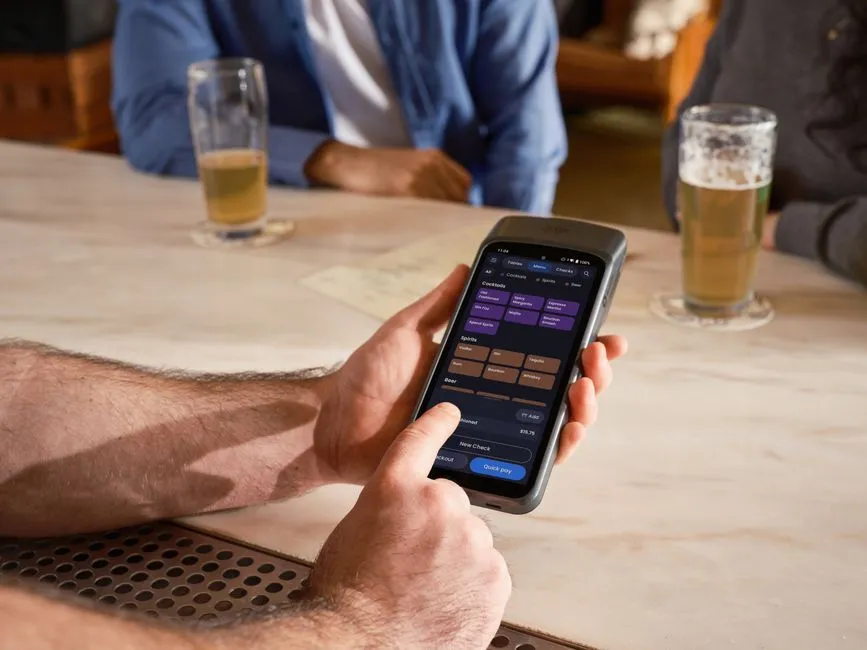
Mobile POS (mPOS) solutions are also going to be everywhere. They let businesses run transactions anywhere, anytime, using just a smartphone or tablet. This flexibility is awesome for pop-up shops, outdoor events, and restaurants that take orders at the table. The old limits of a fixed cash register are quickly fading away.
And expect much tighter integration with e-commerce platforms and supply chain management systems. A ‘unified commerce’ approach will give customers a smooth experience whether they’re online or in your physical store. You’ll get one clear picture of inventory and customer interactions. That kind of complete view is essential for doing well in retail today.
Finally, better sustainability features – things like paperless receipts and hardware that saves energy – will become standard. Both customers and businesses care more and more about being eco-friendly, and POS systems will definitely help meet those goals. All these new ideas promise a future for businesses everywhere that’s more efficient, safer, and really focused on the customer.
Frequently Asked Questions
What is a POS system?
A POS (Point of Sale) system is hardware and software working together. Businesses use it to complete sales, manage inventory, and keep track of customer info. It pulls operations into one spot and gives you really important insights into how your business is doing.
How long does it typically take to set up a POS system?
Setting up a POS system takes different amounts of time, really depending on how complex it is and how big your inventory is. It could be just a few days for a small business with basic needs, or several weeks for bigger companies that have tons of products and lots of different systems to link up.
Can I set up a POS system myself or do I need professional help?
Lots of today’s cloud-based POS systems are actually pretty easy to set up yourself, especially for small businesses. But if you’re a bigger business with complicated needs, lots of integrations, or custom stuff, then getting professional help for installation and setup is definitely a good idea. That way, you know it’ll run as best it can.
What are the ongoing costs associated with a POS system?
You’ll usually have ongoing costs like monthly or yearly software subscription fees, plus payment processing fees for each transaction. There might also be costs for hardware maintenance or upgrades. Some systems charge extra for advanced features or for customer support plans.
Is a cloud-based POS system better than an on-premise system?
Cloud-based POS systems offer perks like remote access, automatic updates, and cheaper upfront hardware costs, which is why many businesses love them. On-premise systems, though, give you more control over your data and more customization options. But they do need a bigger initial investment and more hands-on IT management.
How often should I update my POS system software?
You really should update your POS system software whenever the vendor puts out new updates. This is super important for security fixes and getting new features. For cloud-based systems, these updates often happen automatically, so your system always has the latest improvements and protection.