

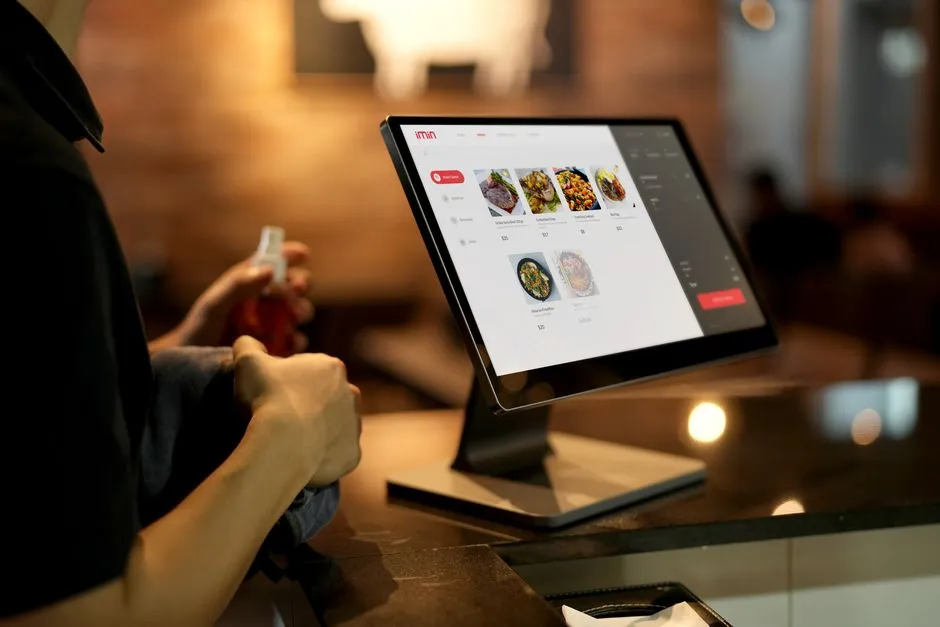
Quick answer: Restaurant POS systems are essential for today’s eateries. They make everything smoother, from taking orders to processing payments and managing inventory. The best restaurant POS systems combine key features like slick order handling, secure payment processing, live inventory tracking, and detailed reports. This helps boost your bottom line and keeps customers happy in 2026.
Key Takeaways
- Modern restaurant POS systems are vital for running things smoothly and giving customers a great experience.
- Focus on essential features: easy order handling, integrated payment processing, and live inventory tracking.
- Cloud POS gives you flexibility and remote access, but on-premise systems offer total control.
- Connecting with other software, like accounting or marketing tools, is super important for managing your whole business.
- When picking a system, think about your restaurant type, budget, how much you might grow, and the support you’ll get.
- Expect future trends like AI-powered personalization, voice ordering, and smarter data analysis.
Why Modern Restaurant POS Systems are a Must-Have in 2026
Look, modern restaurant POS systems aren’t just fancy cash registers anymore. They’re the heart of any successful food service business. Getting a solid system makes everything run better, keeps customers happy, and helps you make more money. In 2026, the restaurant world is tough. You need technology that can keep up with changing customer expectations and all the tricky stuff involved in running a business.
These smart systems make every part of your day-to-day operations easier. That’s from taking an order right through to managing tables and processing payments. And they give you great data, too. Owners and managers can use that info to make really smart decisions. So, picking the right restaurant POS system? It’s a savvy investment that truly pays off with better service and less waste.
A top-notch POS system cuts down on mistakes. It speeds up service. Plus, it gives you a crystal-clear picture of how your business is doing. Your staff can then spend more time chatting with guests instead of getting bogged down in paperwork. The right system directly helps you run a smoother, more profitable operation, making sure your restaurant thrives for years to come.
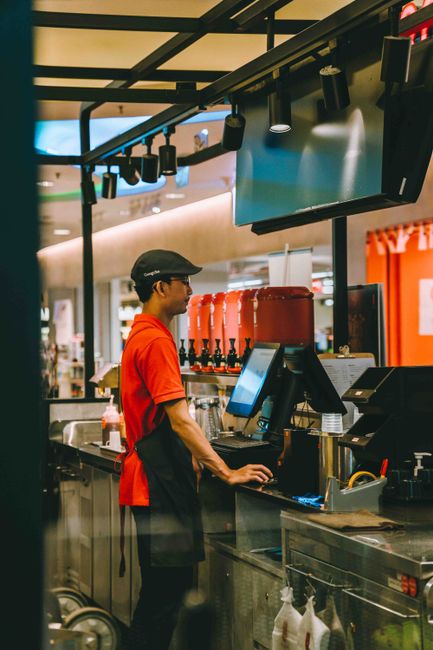
What Features Are Most Important for Restaurant POS Systems?
Choosing the best restaurant POS system means really digging into its main functions. You absolutely need to pick features that fit your restaurant’s unique needs – that’s crucial. These core components basically decide how smoothly your operations run and how well you can serve your customers.
Order Management and Customization
Good order management is foundational for any restaurant that runs well. Your POS system should let staff enter orders quickly and accurately, whether it’s for dine-in, takeout, or delivery. So, look for things like easy menu customization, modifiers, and a way to handle special requests.
The system should also let you split checks and transfer tables without a fuss. And it should connect smoothly with kitchen display systems (KDS). This means orders get to the kitchen clearly and they’re prepared fast. That cuts down on kitchen mistakes, speeds up service, and directly makes your customers happier.
Integrated Payment Processing
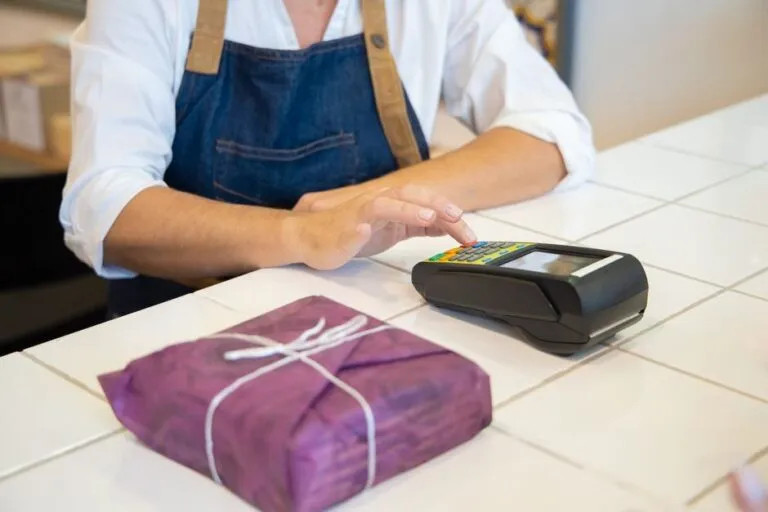
You need payment processing that’s fast, secure, and flexible. A solid restaurant POS system should connect directly with all sorts of payment methods: EMV chip cards, contactless payments (like Apple Pay), and mobile wallets. This connection makes balancing the books easier and cuts down on processing errors.
Make sure the system offers really secure encryption to protect your customers’ sensitive data. It should also handle gift cards and loyalty programs; that helps you keep customers coming back. Offering lots of payment options means you can serve more people and improve their whole dining experience.
Real-Time Inventory Management
Accurate inventory control is crucial for saving money and preventing waste. The best restaurant POS systems track ingredients live, letting you easily see exactly what you have in stock. This feature automatically removes items as they sell and tells you when supplies are running low.
Also, look for tools to manage vendors, create purchase orders, and handle your recipes. Good inventory data helps you order smarter, waste less, and keep your food quality consistent. And that directly boosts your profit by cutting out unnecessary expenses.
Employee Management Tools
Running a smooth operation absolutely depends on good staff management. A full-featured POS system should include ways to track employee hours, manage schedules, and process payroll data. It ought to let you set custom permissions, too, so staff only access what they need.
Things like tip pooling and performance tracking can be really useful additions. Making employee management simpler means less paperwork for you and a more productive environment for your team. This way, your staff is well-managed and can really focus on delivering excellent service.
Powerful Reports and Analytics
Making decisions based on data just plain leads to better business results. Your POS system absolutely has to give you detailed reports and analytics on sales, labor costs, popular menu items, and your busiest times. These insights are crucial for spotting trends and making your operations better.
Look for dashboards you can customize and reports you can easily export. When you understand your sales patterns and where things get stuck in your operations, you can adjust staffing, fine-tune your menu, and improve your marketing. This big-picture view helps you grow your business effectively.
Customer Relationship Management (CRM)
You want repeat business? Then building strong customer relationships is key. A POS system with built-in CRM features can track what your customers like, their past purchases, and if they’re in your loyalty program. So, you can send them personalized marketing messages and promotions tailored just for them.
Features like customer profiles, birthday rewards, and custom offers really build loyalty. When you understand your customer base, you can tailor their experiences and services, which totally encourages them to come back again and again. A good CRM module helps you turn those one-time diners into loyal regulars.

Kitchen Display Systems (KDS) Integration
A Kitchen Display System (KDS) replaces those old paper tickets, putting orders right up on a digital screen in the kitchen. This really cuts down on mistakes and speeds up how fast food gets prepped. A KDS connects smoothly with your POS, making sure order updates happen instantly.
Look for features like order timers, color-coding for priority, and different ways to view orders. A KDS simplifies communication between your front-of-house and back-of-house staff. That means better efficiency, less food waste, and an overall smoother kitchen workflow and quicker service.
Online Ordering & Delivery Integration
In 2026, online ordering and delivery aren’t optional for most restaurants. Your POS system needs to connect smoothly with your website’s online ordering platform and any third-party delivery services you use. Having one central place for all this really simplifies managing orders.
Make sure the system can keep your menus, pricing, and availability in sync across all channels. Built-in online ordering extends your reach and serves customers who prefer modern dining. This vital feature helps you grab a big chunk of the market that just wants things convenient.
Table Management & Reservations
If you run a full-service restaurant, good table management is absolutely essential. A solid POS system should let you see your dining room layout, track which tables are open, and handle reservations. This helps you use your seating optimally and cut down on customer wait times.
Connecting with online reservation platforms is a huge bonus, too. This feature makes guests happier by ensuring smooth transitions and accurate waitlist management. So, easier table management directly leads to turning more tables and making more money.
Hardware Considerations
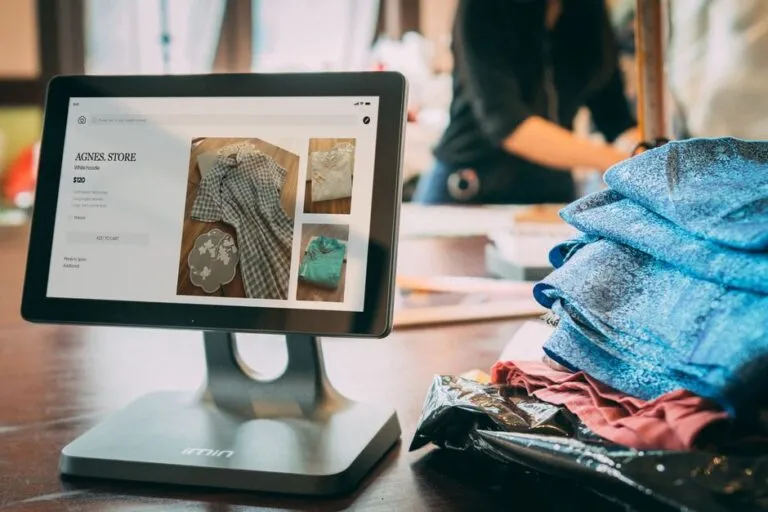
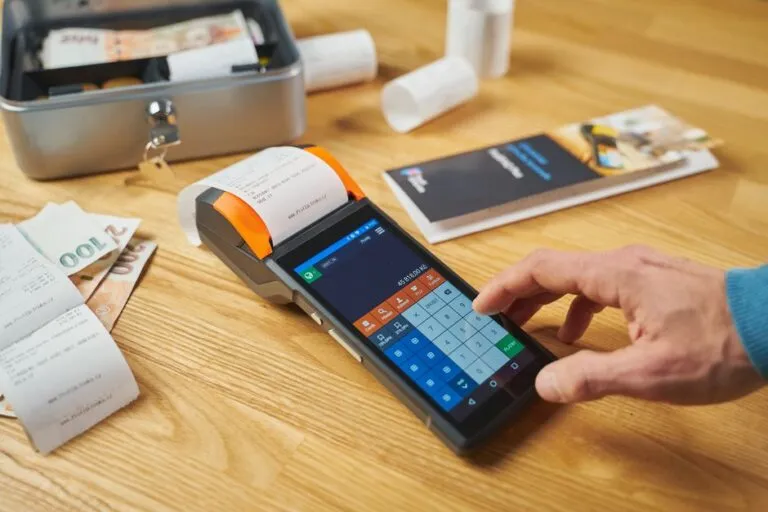
Think of it this way: software is the brain, but sturdy hardware is the body of your POS system. You’ll need to consider terminals (touchscreen or tablet-based), receipt printers, cash drawers, and barcode scanners. Reliability and durability are crucial, especially in a busy restaurant setting.
Make sure the hardware works with your chosen software and can take a beating — spills and heavy use are just part of restaurant life. Wireless options can give your servers more flexibility and mobility. And investing in good quality hardware really cuts down on frustrating downtime, making sure everything runs smoothly.
Cloud-Based vs. On-Premise: Which Fits Your Business Best?
Deciding between cloud-based and on-premise restaurant POS systems is a big, foundational choice. Each has its own pros and cons, of course. Your decision should totally match your operational needs, your budget, and how much control you want to have.
Cloud-based systems keep your data on remote servers; you access it through the internet. They often have lower upfront costs, update themselves automatically, and you can get to them from anywhere – perfect for businesses with multiple locations. But they do need a stable internet connection to work.
On-premise systems, though, keep your data on local servers right there in your restaurant. They give you full control over your data and don’t need the internet for their core functions. However, they usually mean higher initial hardware costs and you’ll need local IT support to maintain them.
How Important is it for a POS System to Integrate with Other Tools?
Being able to integrate is super important for any modern POS system. Your POS shouldn’t just sit there by itself; it needs to talk smoothly with your other key business software. This creates one connected system that just makes everything more efficient.
So, look for connections with accounting software (like QuickBooks), third-party delivery apps, loyalty programs, and marketing platforms. These links automatically transfer data, cut down on manual entry mistakes, and give you a complete picture of your business. Ultimately, smooth integration saves you time and makes everything more accurate across your whole operation.
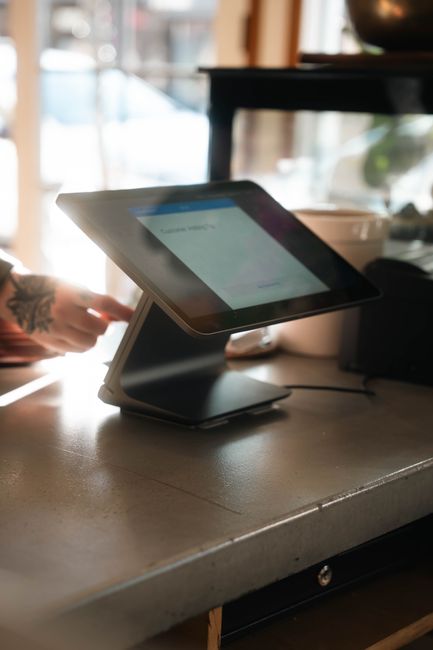
Choosing the Right Restaurant POS System: What to Consider
Finding the best restaurant POS system means you’ve got to really look at your unique operations. Not all systems are built the same, after all. What works great for a quick-service cafe might not cut it for a fancy fine-dining spot. So, a custom approach is what gets you the most benefit.
Assess Your Restaurant Type and Size
Think about your place: Is it a quick-service restaurant (QSR), a full-service dining spot, a bar, or even a food truck? QSRs will likely care most about speed and mobile ordering. But fine dining needs solid table management and reservation features. Scalability is also important; you want a system that can grow right along with your business.
Smaller cafes might do well with simpler, tablet-based systems. Bigger places, though, often need more complete solutions with advanced inventory and employee management. Matching the system to your specific restaurant type just avoids a whole lot of unnecessary headaches.
Consider Your Budget and Pricing Model
POS systems come with all sorts of pricing structures: there are upfront hardware costs, monthly subscription fees, and transaction processing rates. You’ll need to factor in both that first investment and your ongoing operational expenses. Understand exactly what’s included in each package, and definitely watch out for any hidden fees.
Figure out if a subscription model – which often includes updates and support – fits your cash flow. Weigh the total cost of owning the system against all the features and benefits it offers. Having a clear budget helps you narrow down your choices and keeps you from overspending.
Check Out Vendor Support and Training
Look, reliable customer support isn’t optional for something as critical as your POS system. You really need to check the vendor’s reputation for support: Are they available 24/7? What are their response times like? Do they offer good training? A dedicated support team means you’ll have less downtime when problems pop up.
Also, look for thorough training materials and help getting your staff onboard. Easy-to-use interfaces also make it quicker for everyone to learn the ropes. Great support and training really empower your team to use the system effectively, so you get the most out of your investment.
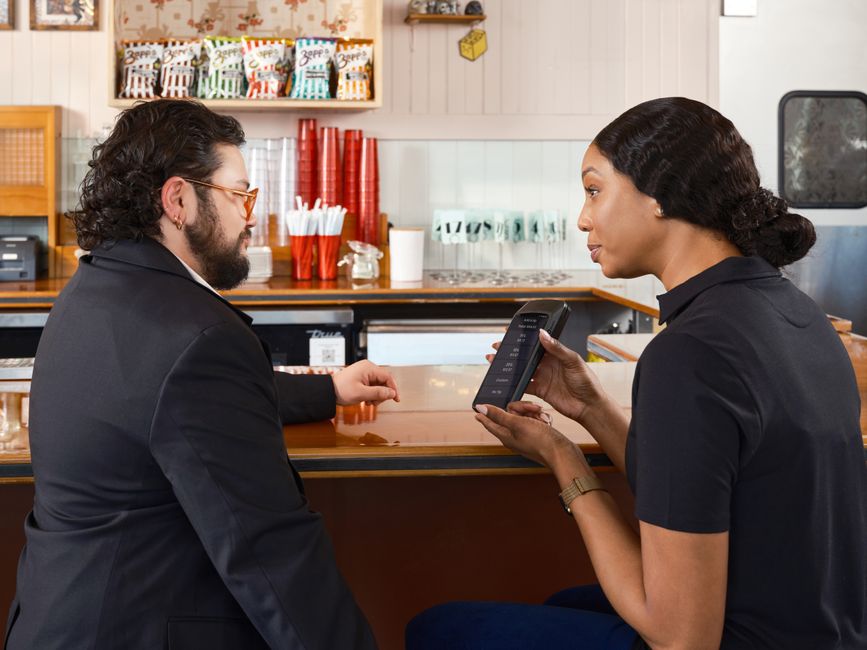
What’s Next for Restaurant POS Systems in 2026 and Beyond?
The restaurant business is always changing, and POS technology is constantly improving to keep up with new demands. Staying on top of these trends helps your business stay competitive. Future restaurant POS systems will really focus on making customer experiences even better and operations smarter.
Artificial intelligence (AI) and machine learning (ML) will help personalize customer experiences even further, offering custom recommendations and proactive service. Voice ordering will become much more common, both in your restaurant and through smart home devices. These technologies just make ordering easier and more convenient for diners.
Advanced data analytics will go way beyond basic reports, giving you predictions about sales, inventory, and staffing needs. And expect to see more enhanced contactless payment options, including things like biometric recognition, continue to become popular. Ultimately, the future of restaurant POS systems is all about creating dining experiences that are smarter, smoother, and much more focused on the customer.
Frequently Asked Questions
What is a restaurant POS system?
A restaurant POS system is a computer-based point-of-sale solution built specifically for the food service industry. It handles transactions, makes order processing smoother, tracks inventory, and gives you important business data.
How much do restaurant POS systems typically cost?
The cost of restaurant POS systems varies a lot. You’re generally looking at $50 to $200+ per month for cloud-based software subscriptions. Then there are initial hardware costs, which could be anywhere from a few hundred to several thousand dollars, depending on how complex your setup is.
Can a POS system help manage my staff?
Yes, absolutely! Many restaurant POS systems come with strong employee management features. These often include time clock functions, scheduling, shift management, payroll integration, and ways to track your team’s performance.
Is online ordering always integrated with a POS?
Not always, no. But smooth integration with online ordering platforms is a really popular feature in 2026. Lots of modern POS systems offer their own online ordering solutions or connect with major third-party delivery services.
What are the benefits of a cloud-based POS?
Cloud-based restaurant POS systems offer several perks: lower upfront costs, automatic software updates, you can access them remotely from any device, better data security, and they’re generally easier to scale for growing businesses.
How long does it take to implement a new POS system?
Putting a new restaurant POS system in place can take vastly different amounts of time. It might be just a few days for a simple setup, or several weeks for complex, multi-location installations. Training your staff and moving your old data are big factors that affect the timeline.
Pingback: How Modern Restaurant POS Software: 7 Amazing Ways It Boosts Efficiency – Stratyn