Quick answer: To choose a POS system right, your small retail store needs to focus on features like inventory management, payment processing, and customer loyalty programs. They must truly fit your specific business needs. Then, evaluate the costs, how well it scales, and its ease of use. That’ll secure a smart, future-proof investment for 2026 and far beyond.
Key Takeaways
- Prioritize essential features such as robust inventory management, integrated payment processing, and customer relationship management.
- Understand the total cost of ownership, including hardware, software subscriptions, and transaction fees.
- Ensure the POS system offers scalability to grow with your business, supporting future expansion and new channels like e-commerce.
- Evaluate vendor reputation, customer support, and system security protocols for reliable operation.
- Conduct thorough demonstrations and trials to assess ease of use and staff training requirements before making a final decision.
Why is it Important to Choose a POS System Carefully for Your Retail Store?
Choosing a POS system is a big decision that really changes how efficient and profitable your small retail store can be. A well-selected Point of Sale (POS) system makes daily tasks smoother, whether it’s managing inventory, processing sales, or tracking customer data. But pick the wrong one, and you’ll hit snags, lose sales, and even frustrate your team.
The right POS acts like the central nervous system for your retail business. It ties everything together. It gives you clear insights into sales trends, stock levels, and customer behavior. That data lets you make smart choices, helping you fine-tune purchasing, marketing, and overall growth in the tough 2026 market.
Small retailers usually operate with limited resources. So, the upfront cost and what it costs to run really matter. Take your time. You want a system that gives you the best bang for your buck, not one loaded with features you’ll never use. Plus, it should grow with your business, right?
What Essential Features Should You Look For When You Choose a POS System?
When you choose a POS system, you’ll want to hone in on the core stuff that genuinely helps your business. Sure, it needs to handle sales, no problem. But retail today asks for a lot more than just that. So, robust inventory management, smooth payment processing, and solid customer relationship tools? They’re simply non-negotiable if you want to succeed in 2026.
Robust Inventory Management
Effective inventory management is the heart of any retail business. A solid POS system gives you real-time stock tracking, automatically flags when you need to reorder, and handles all those product variations — think different sizes, colors. And it better support multiple locations if you’re planning to grow!
Features like barcode scanning, vendor management, and detailed inventory reports cut down on waste and stop you from running out of popular stuff. That means your best sellers are always on the shelves. And you’ll spot those slow movers fast. Good inventory data isn’t just nice; it’s vital for smooth operations and smart financial planning.
Integrated Payment Processing
The ability to accept various payment methods is super important for keeping customers happy. Your POS absolutely needs to hook up flawlessly with secure payment processors. Think credit cards, debit cards, mobile payments like Apple Pay and Google Pay, and maybe even contactless options. It’s gotta do it all.
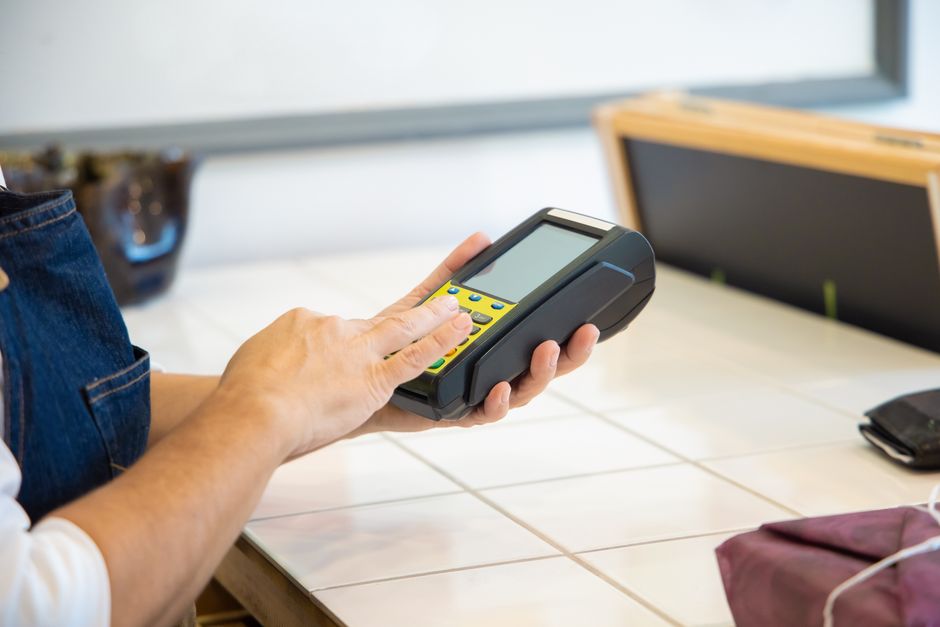
Quick, reliable transactions? They just make for a better customer experience, plain and simple. Always check for clear processing fees and make sure it’s PCI compliant. That keeps your data secure. An integrated system usually means less headache with reconciliation, fewer errors too. Why? Because every transaction records right into the POS. So, no more separate terminals or typing things in by hand.
Customer Relationship Management (CRM) Capabilities
Building customer loyalty is key to long-term success. A POS with good CRM lets you grab customer info, track what they’ve bought, and run loyalty programs. You can use that data to tailor your marketing, offer special deals, and really get customers engaged.
Things like customer profiles, being able to look up purchase history, and built-in loyalty points systems? They help you know your customers way better. That personal touch can seriously boost repeat business. And it makes customers much happier. And being able to snag customer feedback right through the POS? That’s priceless.
Sales Reporting and Analytics
Access to detailed sales data is super important for making smart business moves. A good POS gives you full reports on how sales are doing, what products are hot, your busiest hours, and even how productive your staff is. With those insights, you can spot trends, predict what customers will want, and tweak your staffing.
Want customizable reports and dashboards? You should. They lay out the info clearly, no fuss. Filtering data by date, product type, or even employee gives you the power to make decisions based on facts, not guesswork. And that means better profits. You can even understand sales down to the hour. That really shows you where the growth opportunities are hiding.
How Can You Evaluate POS System Costs and Scalability?
Understanding the total cost of ownership and ensuring the system can grow with your business are big steps when you pick a POS system. Upfront prices can fool you. You need to look at the whole picture: hardware, software, and what it costs to keep it running. Scalability? That just means your investment stays valuable even as your store grows.
Understanding Pricing Models and Hidden Fees
A POS system’s price usually breaks down into a few parts: the hardware, your software subscription, payment processing fees, and maybe some extra add-on modules. Most modern systems run on a Software-as-a-Service (SaaS) model. So, you’ll pay a monthly or annual subscription. You can usually buy the hardware upfront or lease it.
Always, always ask for a full breakdown of all possible costs. Don’t forget setup fees, training fees, or extra user licenses and terminals. And watch out for hidden transaction fees or sneaky surcharges. Looking at the total cost over three to five years gives you a much clearer financial picture. Some providers use tiered pricing based on features or how many transactions you do. So, pick a plan that really fits your needs, both now and for 2026.
Assessing Scalability for Future Growth
Your little retail store today could be a multi-location empire tomorrow, right? Your chosen POS system has to scale with your business. Can it easily add more terminals, users, or even new locations? Will it integrate with your e-commerce platform if you decide to sell online?
Cloud-based systems usually win here. You can access them from anywhere, and they handle new devices or branches with ease. Plus, they often get automatic updates and remote support. Just make sure the vendor offers a clear upgrade path. And the system should be able to handle way more transactions without slowing down.
What Are the Key Steps to Successfully Implement a New POS System?
Putting in a new POS isn’t just about installing software. Nope. It’s about careful planning, moving your old data, and really training your staff. A smooth changeover means less chaos for your business. And it ensures your team can actually use the new system well from day one.
Data Migration and System Setup
Before you go live, you’ve got to get all your existing product inventory, customer data, and sales history moved over to the new POS system, accurately. This can be tricky and eat up a lot of time. So, ask your vendor about their help with data imports and setup. Clean, organized data? It’s crucial. Otherwise, your system won’t be accurate and its reports will be off.
You’ll need to set up all the system’s settings to match your specific business rules: tax rates, discounts, payment types, user permissions — everything. Set it up right, and the system will run exactly as you expect. It’ll slot perfectly into your daily workflow. Consider a staggered rollout, maybe starting with a small pilot team. That can help you catch and fix problems before everyone’s using it.

Staff Training and Ongoing Support
Look, even the fanciest POS system is only as good as the people running it. So, every staff member needs thorough training. That’s essential for getting everyone on board and using it well. Training should cover everything: daily operations, how to fix common glitches, and using all those key features. Hands-on practice and super clear instructions? They’ll really build your team’s confidence.
Check out the vendor’s customer support. When are they open? Do they offer phone, email, or chat? Is there a knowledge base or community forum you can tap into? Good, reliable support is crucial. You’ll need to sort out tech issues fast and keep your business running smoothly. Especially for a small business that probably doesn’t have its own IT team.
What About Hardware Compatibility and Security?
The actual hardware and the security? They’re just as big a deal as the software for your POS system. Pick compatible hardware, and things will run smoothly. And strong security protocols? They’ll protect your sensitive business and customer data from whatever threats pop up in 2026.
Choosing Compatible Hardware
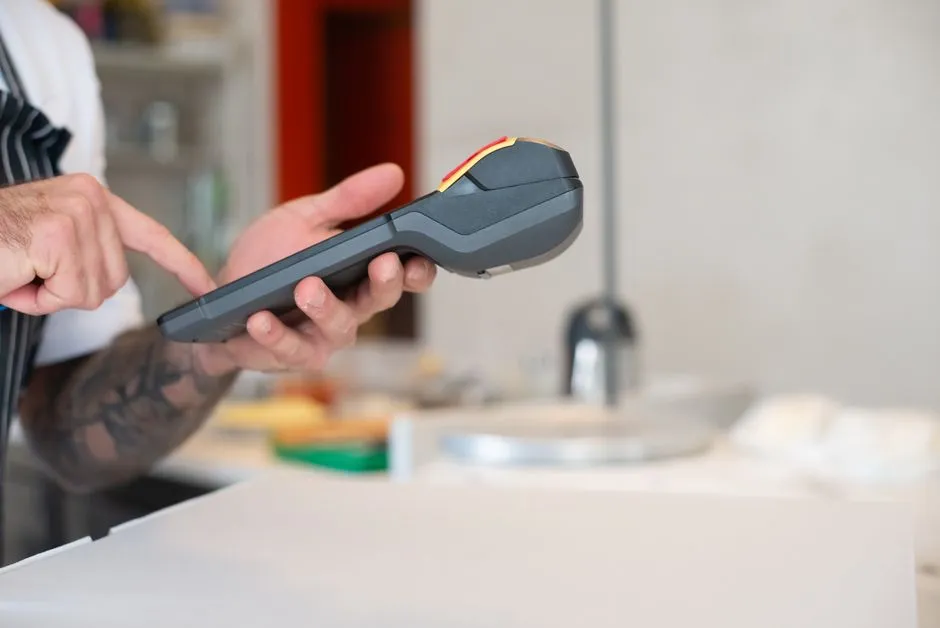
Usually, POS hardware means a terminal (tablet or desktop), a cash drawer, a receipt printer, and a barcode scanner. Some systems are ‘closed’ — you have to buy their specific hardware. But others are much more flexible. Think about how tough and reliable the hardware is. That’s super important in busy stores.
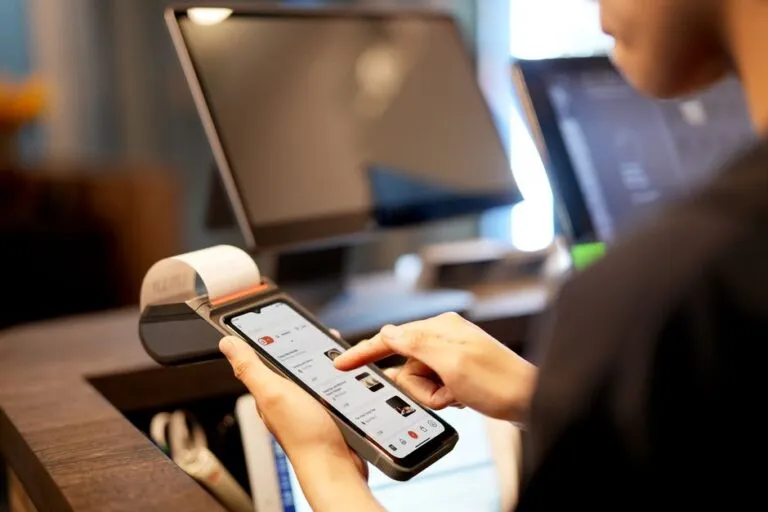
Got existing hardware? See if it can hook up with the new system. That’ll save you money. Mobile POS (mPOS) options, like systems on tablets or smartphones, give you flexibility. They’re great if you have tight counter space or run pop-up shops. And always, always double-check the warranty and repair services for all hardware parts.

Data Security and Compliance
Protecting customer payment info and sensitive business data? That’s not just important, it’s non-negotiable. Make sure your POS is PCI DSS compliant, encrypts all transaction data, and uses secure network protocols. Seriously. Look for user access controls, audit trails, and regular data backups. Those features stop unauthorized access and keep your data safe.
Ask about the vendor’s security setup: firewalls, intrusion detection, regular security audits. Data privacy rules are always changing. But staying compliant is crucial if you want to keep customer trust and avoid big penalties. And a strong security posture? That’s just a vital part of any reliable POS solution.
Frequently Asked Questions
What is the average cost of a POS system for a small retail store?
The average cost can range from $50 to $200 per month for software subscriptions, plus $500 to $1,500 for hardware, depending on features and vendor. Payment processing fees are typically a percentage of each transaction.
Are cloud-based POS systems better than on-premise solutions for small retailers?
For most small retailers in 2026, cloud-based POS systems are generally superior due to lower upfront costs, automatic updates, remote access, better scalability, and easier integration with other business tools.
How long does it take to implement a new POS system?
Implementation can take anywhere from a few days to several weeks. This depends on the complexity of your inventory, the amount of data migration required, and the thoroughness of staff training.
Can a POS system integrate with my existing e-commerce store?
Many modern POS systems offer direct integrations or APIs to connect with popular e-commerce platforms like Shopify or WooCommerce. This allows for synchronized inventory, sales data, and customer information across all channels.
What is the most important factor when selecting a POS vendor?
While features and cost are vital, the most important factor is often reliable customer support and a vendor’s reputation for stability and ongoing development. You need a partner who will support your business long-term.