Quick answer: The business case for ditching old on-premise retail registers for Android tablet POS systems boils down to big cost cuts, snappier operations, and happier customers. This move uses cloud tech and mobile flexibility to streamline everything, slash hardware spending, and serve up smart data analytics, giving retailers a real competitive edge in 2026 and beyond.
Key Takeaways
- Android Tablet POS slashes hardware and maintenance costs compared to old-school on-premise systems.
- You get way more efficient operations with streamlined checkout, mobile selling, and integrated inventory management.
- Customers are happier with faster transactions, personal service, and modern payment options.
- Cloud-based Android POS brings better data security, automatic updates, and solid analytics.
- Shifting to Android Tablet POS makes you scalable and future-proof, so it handles growth and changing retail trends easily.
- To implement it, you’ll evaluate your current setup, pick the right software, and train your staff thoroughly.
Why is a Robust Business Case for Modern POS Essential in 2026?
You need a solid business case for modernizing your retail setup. Why? Well, in 2026, it’s super important. Old on-premise point-of-sale (POS) systems are just becoming a financial and operational burden for too many retailers. These legacy systems often mean high upfront costs, never-ending maintenance bills, and not enough flexibility. Frankly, they get in the way of business growth instead of helping it.
The retail landscape’s changed a lot, and it’s calling for nimble, smart solutions that adapt to shifting shopper habits and new tech. Cloud-based Android tablet POS systems? They’re a great alternative. They really improve efficiency, save you money, and get customers more involved. So, competitive businesses need them — it’s that simple.
So, you’ve got to look at this move carefully. It means understanding both the immediate perks and the long-term gains. You’re securing a future that’s both sustainable and profitable for your retail operations. This shift isn’t just an upgrade; it’s a total rethink of how your business talks to customers and handles sales.
What are the Immediate Cost Savings of Android Tablet POS?
Right off the bat, one big part of the business case for switching to Android tablet POS is the huge cost savings. Old on-premise systems require big cash upfront for clunky hardware, dedicated servers, and tricky network setups. These costs are often just too much for small to medium-sized businesses, and they add needless overhead even for larger companies.
Android tablets, though? They’re way cheaper than those proprietary POS terminals. So your initial hardware investment could drop by a massive 60-70%. Plus, cloud-based POS software runs on a subscription, so there’s no more need for expensive licenses or constant on-site IT support. This just moves your costs from big, one-off purchases to predictable monthly bills. Much easier to budget for.
And maintenance and upgrade costs? They’re cut way down too. Cloud software updates itself, and Android tablets are easy to swap out or upgrade without bringing everything to a halt. This lean approach to your tech setup really helps your bottom line, plain and simple.
How Does Android Tablet POS Enhance Operational Efficiency?
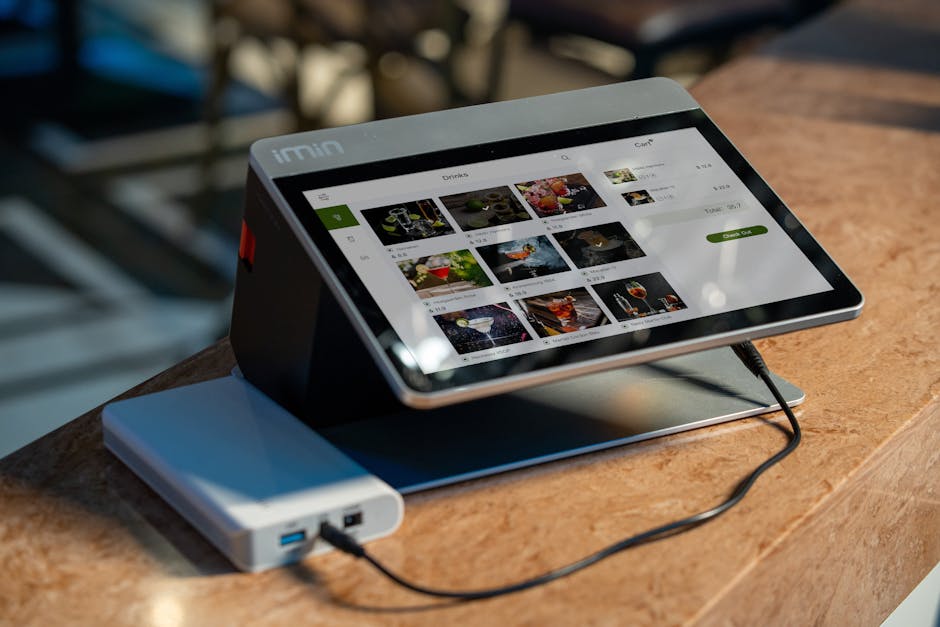
Operational efficiency gets a huge shot in the arm when you switch to Android tablet POS systems. See, tablets are portable. That lets your staff process transactions, handle inventory, and help customers from anywhere on the sales floor. No more bottlenecks at those fixed checkout counters, especially during busy times or holiday rushes.
Built-in inventory management means real-time stock updates, which cuts down on manual counting mistakes and stops you from running out of stuff or having too much sitting around. Sales staff can instantly check product availability, specs, and even a customer’s past purchases. So they can help customers better, right there on the spot. And all this integration just makes things run smoother, from the moment a sale happens to managing your back office.
And training time for new employees? That’s much shorter too. Android interfaces are pretty intuitive, familiar to most people. So staff pick up the POS system fast. That quick onboarding means higher productivity and lower training costs. And it just makes your team way more efficient.
What Customer Experience Benefits Does Android Tablet POS Offer?
Switching to Android tablet POS systems makes a huge difference to how customers feel, building loyalty and making them happier. Faster transaction processing? That’s a big perk: less waiting, smoother checkout. Customers really love quick, easy purchases, especially when they’re in a hurry.
And the mobility of tablet POS means personalized service, right on the sales floor. Associates can chat with customers, pull up product details, check stock, even finish sales without ever leaving their side. That makes for a much more attentive, engaging shopping experience, really boosting the relationship between you and your customer.
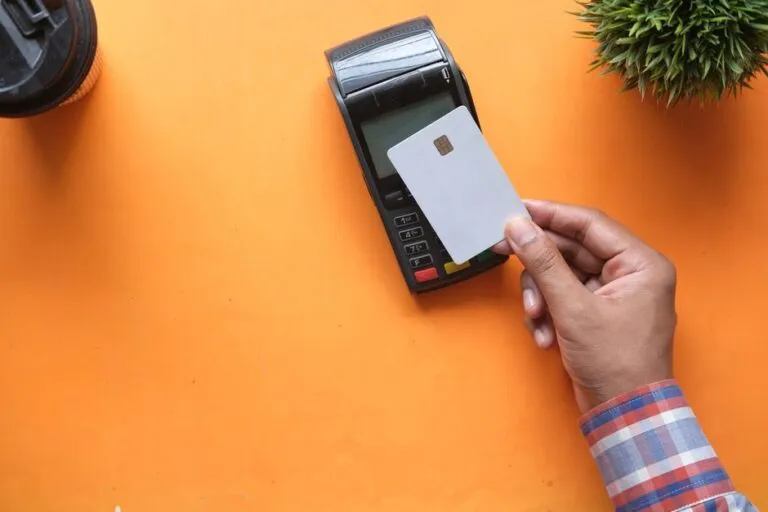
Modern payment options—think contactless, mobile wallets, EMV chip cards—come standard with Android tablet POS. That pleases all sorts of customers and boosts security for every transaction. Offering convenience and flexibility right at the point of sale? It’s key to meeting today’s customer expectations and getting them to come back again and again.

How Does Data Security and Compliance Factor into the Business Case?
Data security and compliance are huge worries for any retail business, and they’re a big part of the business case for moving to Android tablet POS. Cloud-based POS systems usually come with way better security than if you manage things yourself on-premise. Reputable cloud providers, after all, pour tons of money into strong encryption, firewalls, and constant security checks to keep sensitive customer and transaction data safe.
Compliance with payment card industry (PCI) standards and other data protection rules (like GDPR or CCPA)? The cloud POS vendor often handles this, taking a lot of the compliance burden off your shoulders. This kind of expert security helps stop data breaches. And those can just wreck a business’s reputation and finances, so it’s a huge deal.
What’s more, regular, automatic software updates keep your POS system running with the newest security patches and features, all the time. This proactive approach cuts down on weak spots and gives you peace of mind. Retailers can focus on their core business, knowing their transaction data is safe, backed by the best industry standards.
Is Future-Proofing a Key Part of the Business Case for Migration?
Future-proofing your retail business is a clear win if you move to Android tablet POS. These systems are modular and scalable, so they let retailers easily add new features, plug into other business apps, and expand operations without ripping everything out. As your business grows or new tech shows up (like AI-driven personalization or fancy loyalty programs), your POS system can grow right along with it.
Android’s open ecosystem just sparks innovation. That means new apps and hardware accessories are always popping up. This flexibility lets businesses tailor their POS experience to specific needs and stay sharp in a market that’s always on the move. But on-premise systems? They often tie businesses down to proprietary hardware and software, which makes future changes expensive and tough.
So, by grabbing a flexible, cloud-native POS solution, retailers invest in a system that adapts to whatever challenges and opportunities come next. That kind of foresight guarantees you’ll stay relevant and efficient long-term. It protects your initial investment and keeps innovation rolling. Ultimately, it’s a smart strategic move to keep your business nimble and quick well into the late 2020s and beyond.
Key Considerations for a Smooth Transition
Sure, the benefits are clear, but a successful migration means you’ve still got to plan carefully. Retailers need to really look at their current setup and what their business actually needs. That means figuring out what’s hurting with your old systems and setting clear goals for the new POS implementation.
Choosing the right Android tablet POS software vendor is absolutely key. Look at options for features, how much they can grow, security, and customer support. You’ve got to pick a partner who gets your long-term vision and can give you solid, reliable service.
And finally, thorough staff training and clear communication are a must to get staff on board and keep things running smoothly. Put money into good training programs. Get your employees comfortable with the new system, showing them how easy it is to use and all the good it brings. Do it right, and that well-planned transition makes sure you get all the big advantages Android tablet POS has to offer.
Frequently Asked Questions
What is an Android Tablet POS system?
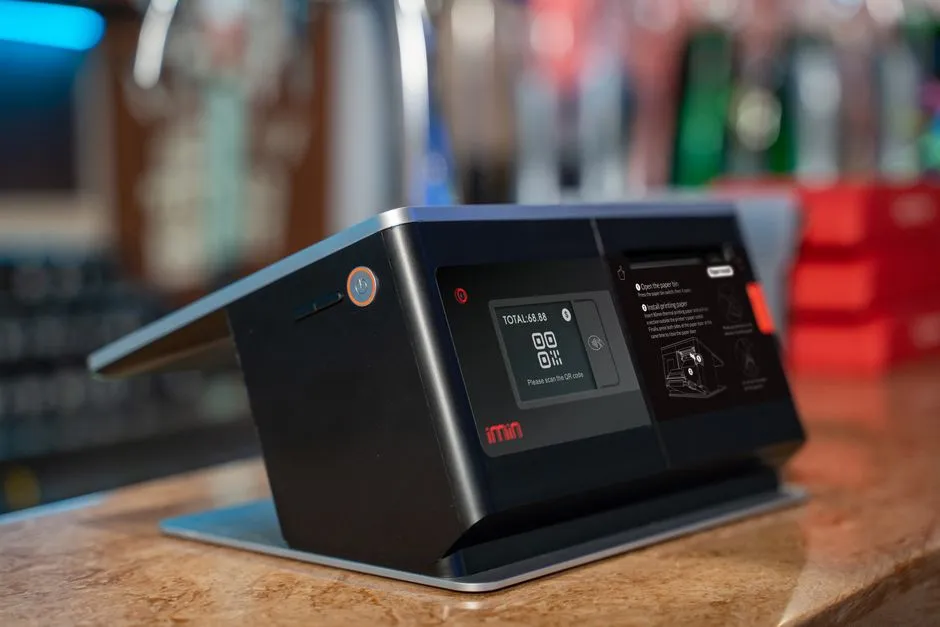
It’s basically an Android tablet that acts as the main hub for processing sales, managing your stock, and dealing with customers. Usually, it’s hooked up to cloud software and other gadgets like card readers or receipt printers.
How long does it typically take to migrate to an Android Tablet POS system?
Well, it depends on how complex your retail operation is. But most smaller or mid-sized businesses can wrap up the whole thing—software setup, hardware, and staff training—in about 4-8 weeks.
Will my existing customer data be secure during the migration?
Yes, absolutely. Reputable POS providers make data security a top priority. They use advanced encryption and super secure transfer methods to make sure your customer data stays safe both during the move and once it’s in their cloud.
Can Android Tablet POS integrate with my other business software?
Yep, most modern Android Tablet POS systems can usually plug right into popular accounting software, CRM systems, e-commerce platforms, and other business tools using APIs. That builds a single, connected operational ecosystem for you.
What happens if the internet connection goes down with a cloud-based POS?
Most cloud-based Android Tablet POS systems have an offline mode. You can process transactions even without internet, and then the system syncs all that data to the cloud once you’re back online. So, business keeps humming along.
Are Android tablets durable enough for a retail environment?
You bet. Plenty of industrial-grade Android tablets and rugged cases exist. They’re built specifically to take the beating of a busy retail environment. They can handle drops, spills, and constant use, no problem.